Do you have students in grades K-12? Here's a great app to get your students started with Coding and not have to know anything about Coding to be effective. Sign up with a free teacher account by visiting their website: http://www.kodable.com/ App is available in the Itunes store for free.
Visit their blog at for some interesting ideas on using their App and allowing technology into the classroom.
This weeks Web Resource is a great tool for school administrators or staff that are involved in developing the schools authorized user policy (AUP) on how to convert it into a "Empowered User Policy" - If you're considering updating the schools AUP this is definitely worth a look: Click Here
Tuesday, September 16, 2014

Wednesday, September 3, 2014
Week 1 September 2014
Web site of the week is a great game show style quiz called kahoot.
Set up your free account today and get your students started now. https://getkahoot.com/
App of the week: elements 4D
This amazing App allows you to combine 2 elements together and see how they react including the catalyst, resulting compound and chemical equation.
You simply install the app - follow the link to a page to print the blocks from Daqri.com and use your ipad to see it all happen.
Have a great week, your comments about the websites and apps are appreciated
Wednesday, August 27, 2014
Common Core Accommodations - "Are Ya Ready?"
This last week I participated in presenting a "technology" overview of the PARCC test Accommodations as they relate to technology.
One of the "take-aways" for me wasn't the actual accommodations but the realization of the stamina and focus our students will need to have to be successful in completing the test. So I have a couple of recommendations for teachers to help their students prepare for the test.
Remember this year "All" 3rd through 11th grade students will be required to take the exam.
One of the "take-aways" for me wasn't the actual accommodations but the realization of the stamina and focus our students will need to have to be successful in completing the test. So I have a couple of recommendations for teachers to help their students prepare for the test.
Remember this year "All" 3rd through 11th grade students will be required to take the exam.
- Schedule into your weekly lesson plans at least 1 (more is better) activity related to the PARCC test. The more you can integrate the technology skills into your lesson the better prepared students will be.
- There are 3 skills that would help students be prepared - and more than using them would be to introduce the terminology and the concept so when they read it on the test they already know what it means.
- Drag & Drop - this is a heavily used function on the test.
- Keyboarding - students are going to be required to type text into boxes to express their answers
- Research - students will be required to find information in a lengthy text to justify their answer. - so the ability to find key text.
- Utilize the PARCC website and their sample tests for your grade level
- Use this link http://practice.parcc.testnav.com/# to access either the ELA or the Mathematics sample test for your grade level.
- You can take the sample exams and get a foundational knowledge of what will be expected which will "inform" your lesson plans.
- You can have all students take a practice exam, so they will have an idea of what will be expected. I would spread these practice session out over the next few months so the actual exam will be "old hat" when the actual exam time comes.
- Learn the accessibility features that "all" students have, ie:
- Answer Masking • Audio Amplification • Eliminate Answer Choices • Flag Items for Review • Highlight Tool --- etc... in Table 1 accessibility for all students
- Take a class and explore these prior to having the students take a practice exam.
- Learn the accessibility accommodations that are required to be identified in advance for students that will require them.
- this has to be identified in advance and loaded into a students Personal Needs Profile (PNP)
- Work with your schools test coordinator to ensure your students PNP's are accurate and loaded correctly - trying to do so the day of the test will not work!
- Learn the Accommodations required for students on an IEP a 504 plan or that are ELL.
- These need to be documented in their plans as well as in their PNP prior to testing in order to be allowed.
- Here are a couple of valuable links to use as teacher resources
- Teacher resources: http://www.parcconline.org/for-educators
- Accommodations Manual: http://www.parcconline.org/parcc-accessibility-features-and-accommodations-manual
-----------------------------------------------------------------------------------------------------------
Bryan's Technology App of the week
- 11-12.W.6 Use technology, including the Internet, to produce, publish, and update individual or shared writing products in response to ongoing feedback,including new arguments or information.
- Use your imagination and create a lesson using google docs for a collaborative writing assignment among small groups using 5 words for each group member in the writing assignment from the Quizzitive APP.
Quizzitive: Great App for students preparing for the SAT. Increase your vocabulary by using 4 different activities.
Web Resource of the week - Newsela.com - Newsela is still in "free beta" so go sign up now and use it with your classes. Grade level is more for upper grades maybe 8th thru 12th grade. Incredible source for current events non fictional text about current events in the world. Articles are current and broken out by content area - students read the article then take an assessment afterwards at a grade level specified by you.
You can supplement the tool by creating a writing assignment from the content. - Use google apps to have students share their writing back to you electronically.
Monday, August 11, 2014
Cloudcroft Schools New Administrative Team is back to School
Cloudcroft Schools New Administrative Team
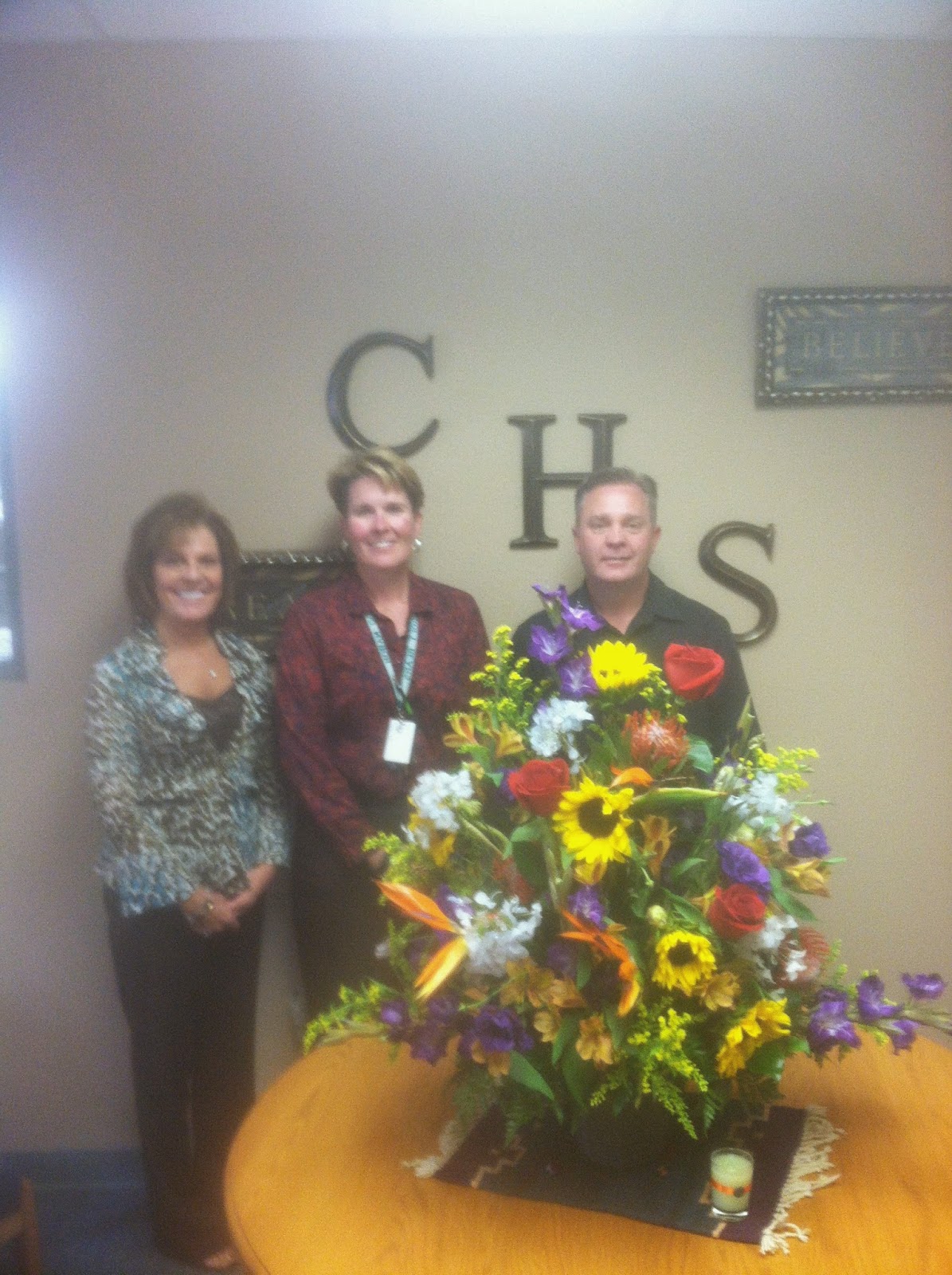
Tana Daugherty, Robyn Cook, Travis Dempsey
-----------------------------------------------------------------------------------------------------------
Bryan's Technology App of the week
- CCSS Technology Standard Addressed - 7.RL.7 Compare and contrast a written story, drama, or poem to its audio, filmed, staged, or multimedia version, analyzing the effects of techniques unique to each medium (e.g., lighting, sound, color, or camera focus and angles in a film).
- Use your imagination and create a series of multiple choice questions that are based on compare and contrast. The students will use their response cards to answer and see results immediately.
Plickers - Change up the question & answer process by having fun with this great electronic response app. Find out more at https://www.plickers.com
- It's fun, easy to use, and free.
- It requires No Electronic Devices in students' hands – no laptops, tablets, remotes, cellphones, smartphones, or payphones.
- No batteries to lose or replace, no expensive equipment to buy, no BYOD, and no one left out.
-
How it works:
- Each student gets a unique barcode – a paper clicker.
- Students answer questions by showing their barcodes to the teacher's smartphone.
- The teacher gets a real-time bar graph and the data is stored individually by student.
Web Resource of the week - Challenge your students to take their writing to a higher level.
- 22 Rules of Storytelling by Pixar http://www.advicetowriters.com/home/2014/3/11/22-rules-of-storytelling-from-pixar.html
- heres a sample from rule#9: When you’re stuck, make a list of what WOULDN’T happen next. Lots of times the material to get you unstuck will show up.
- How to calibrate your Smartboard - Press both buttons on your Smartboard tray at the same time and hold them down until the screen pops up that has little press points on it.
- Grab one of your pens and place it on each of the press points right in the center until you have done all of them. Your board is now calibrated. You rock.
Subscribe to:
Posts (Atom)